Introduction
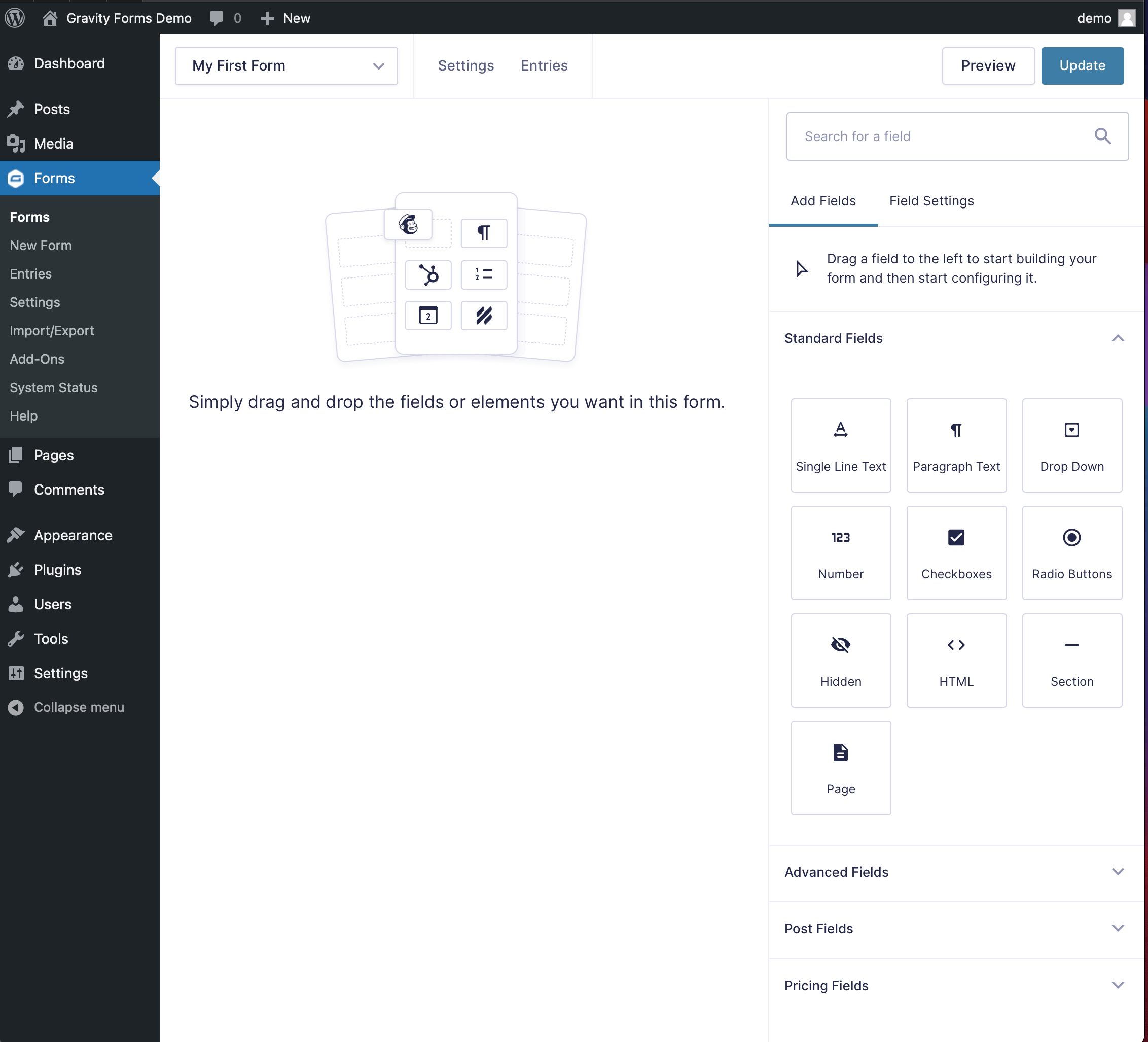
This short article gives you a quick overview of the Form Editor, which is the primary environment for creating a form with Gravity Forms.
Creating a New Form
Log into your WordPress admin, and look for the Forms menu with the Gravity Forms “G” in the left hand navigation area.
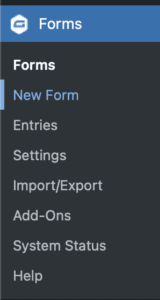
Log into your WordPress admin, and look for the Forms menu with the Gravity Forms “G” in the left hand navigation area.
Under the Forms item you will see an option that says New Form. Clicking that will it to start the form creation process.
You will then be presented with a dialog box asking for the Title and Description of your new form.
You must give your form a name before you can begin, but you can change that name later if needed. The name is used so you can find your form easily later on.
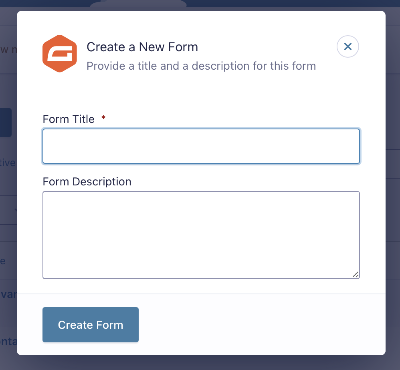
Once you’ve filled out the field(s), finalize by clicking the Create Form button.
You will now be presented with a blank Form Editor screen, ready for your upcoming Form masterpiece!